Stitchquill is an embroidery file converter that turns a PNG, JPG, PDF or SVG logo into a DST, PES, JEF, EXP or VP3 file for your hoop. It also makes clean SVG cut files for Cricut and DXF files for lasers. Before you download, you see the stitches, the size in millimeters and the stitch count, and three files a day are free.
By The Stitchquill team (Machine embroidery and cut-file workflow). Last updated .
PNG, JPG, JPEG, WEBP, GIF, BMP, TIF, TIFF, PDF, SVG, DST, PES, JEF, EXP, VP3 up to 25 MB
How the embroidery file converter works
Upload your artwork as a PNG, JPG, WEBP, GIF, BMP, TIFF, PDF or SVG. You can also upload a DST, PES, JEF, EXP or VP3.
Then choose the output: a stitch format for your machine, an SVG cut file for Cricut or Silhouette, or a DXF for a laser.
For embroidery, pick the hoop and the number of thread colors. For cut files, type the finished width instead.
Next, check the preview, the finished size and the stitch count.
Finally, download the file and load it onto your machine.
First, the converter reduces your artwork to the thread colors you choose and removes the background. Then it scales the design to the hoop, and only after that does it create stitches.
That order matters, because the engine sets stitch length and row spacing on the final shape. As a result, the density fits the size you sew. If a design would end up under 5 mm on its short side, the converter refuses it instead of sending you a broken file.
Before and after the embroidery file converter
Drag the seam. On the left is the flat PNG badge we test with, on the right the DST the converter made from it: 6,823 stitches, 90 x 90 mm, 4 thread colors, fitted to a 4x4 hoop.


One logo, every machine file
These are real files from one upload of our test badge. Scroll through what the embroidery file converter writes for each machine.


01DST
A DST file the commercial machine sews as is
Tajima DST is what multi-needle shop machines read. The design is fitted to your hoop with 5 mm of clearance, with underlay first and trims between color areas, so the first sew-out is the real one.
Learn more about A DST file the commercial machine sews as is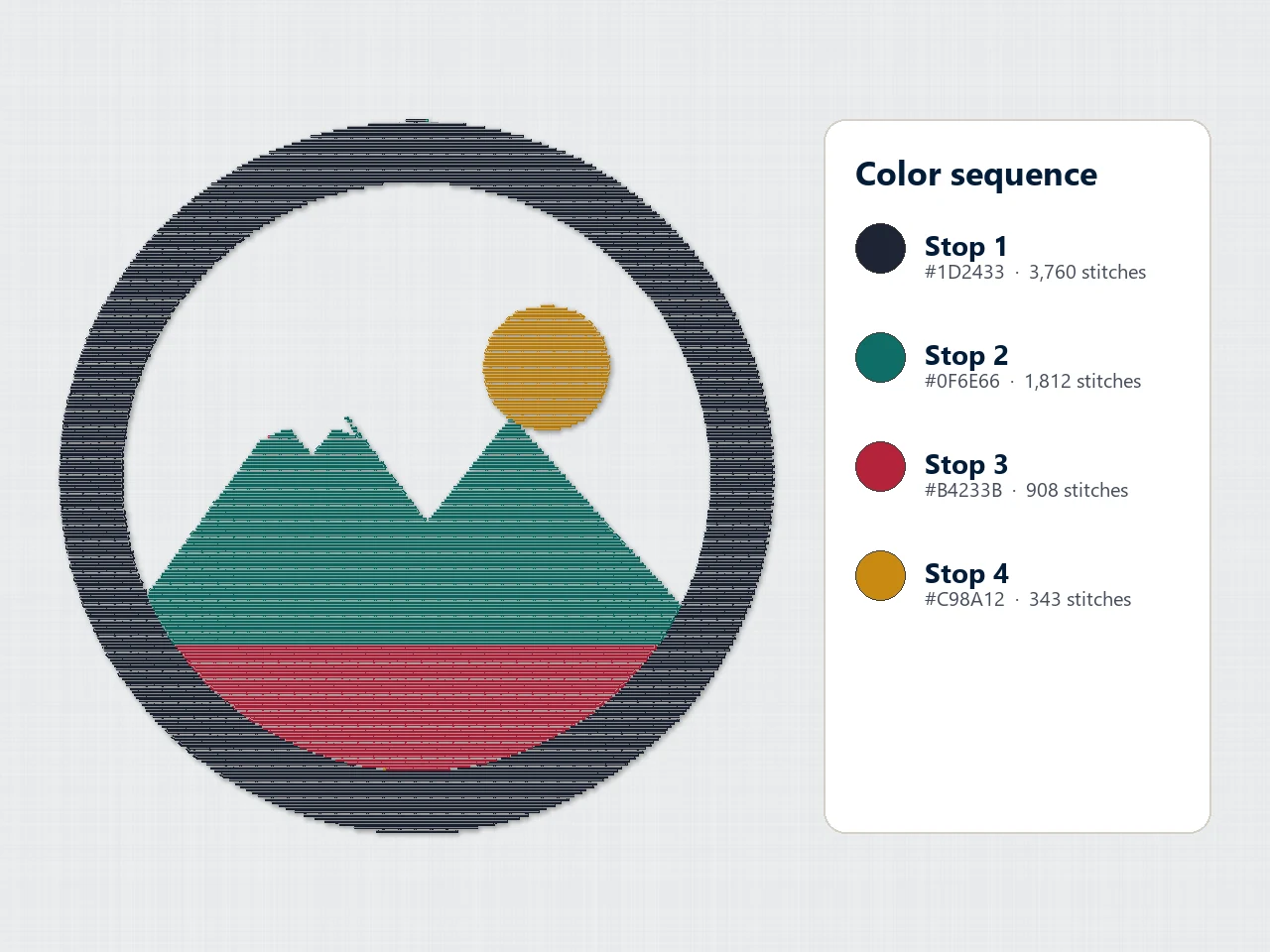

02PES
PES for Brother and Baby Lock, with the color stops
Home machines read PES. Every color block becomes a stop with its own thread color, so the machine tells you which spool to load next, in the order the design sews.
Learn more about PES for Brother and Baby Lock, with the color stops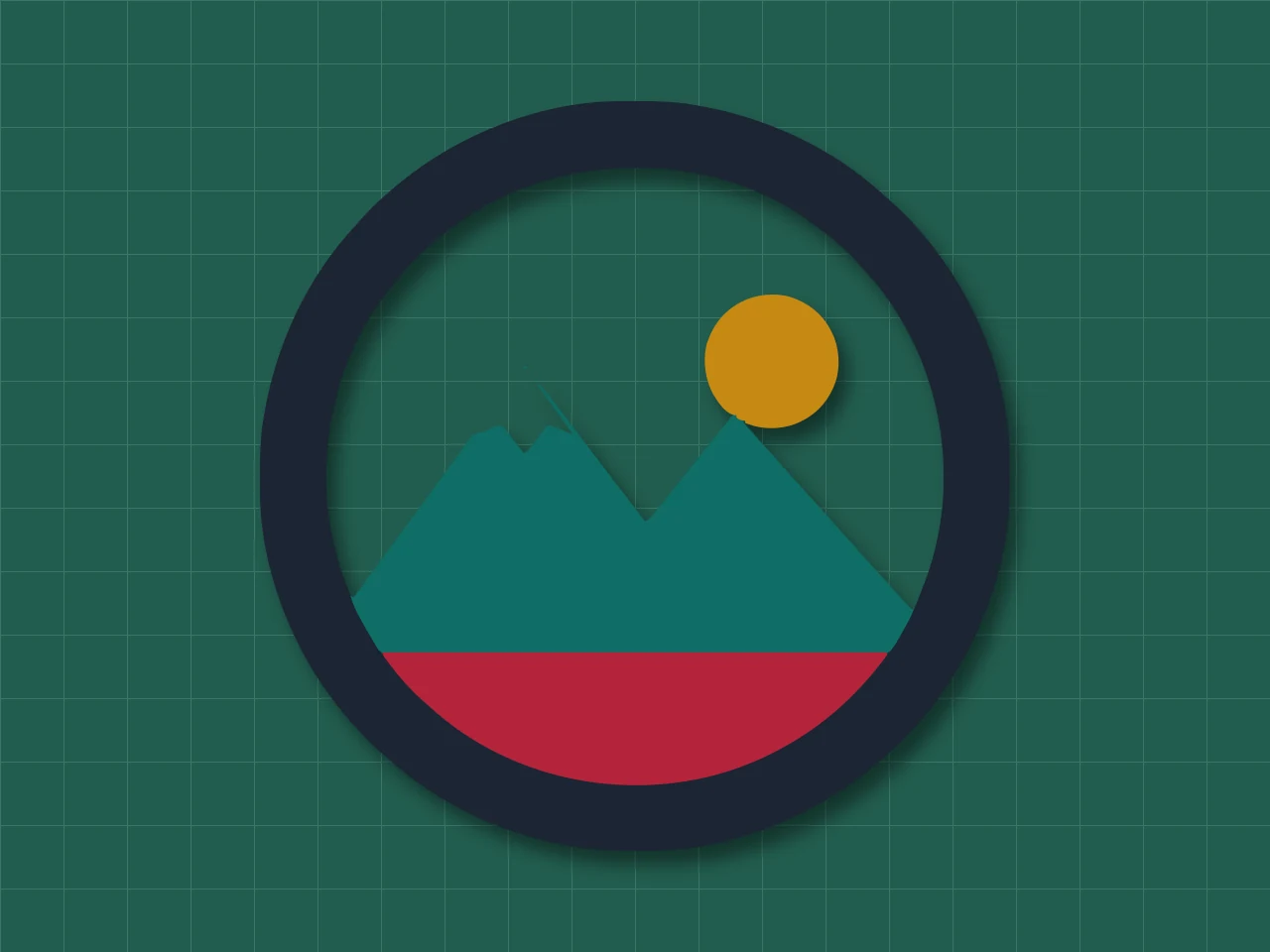

03SVG cut file
An SVG cut file with one layer per color
For Cricut and Silhouette you get clean closed paths at the width you type, one layer per color, so Design Space cuts each vinyl color on its own mat without any tracing.
Learn more about An SVG cut file with one layer per color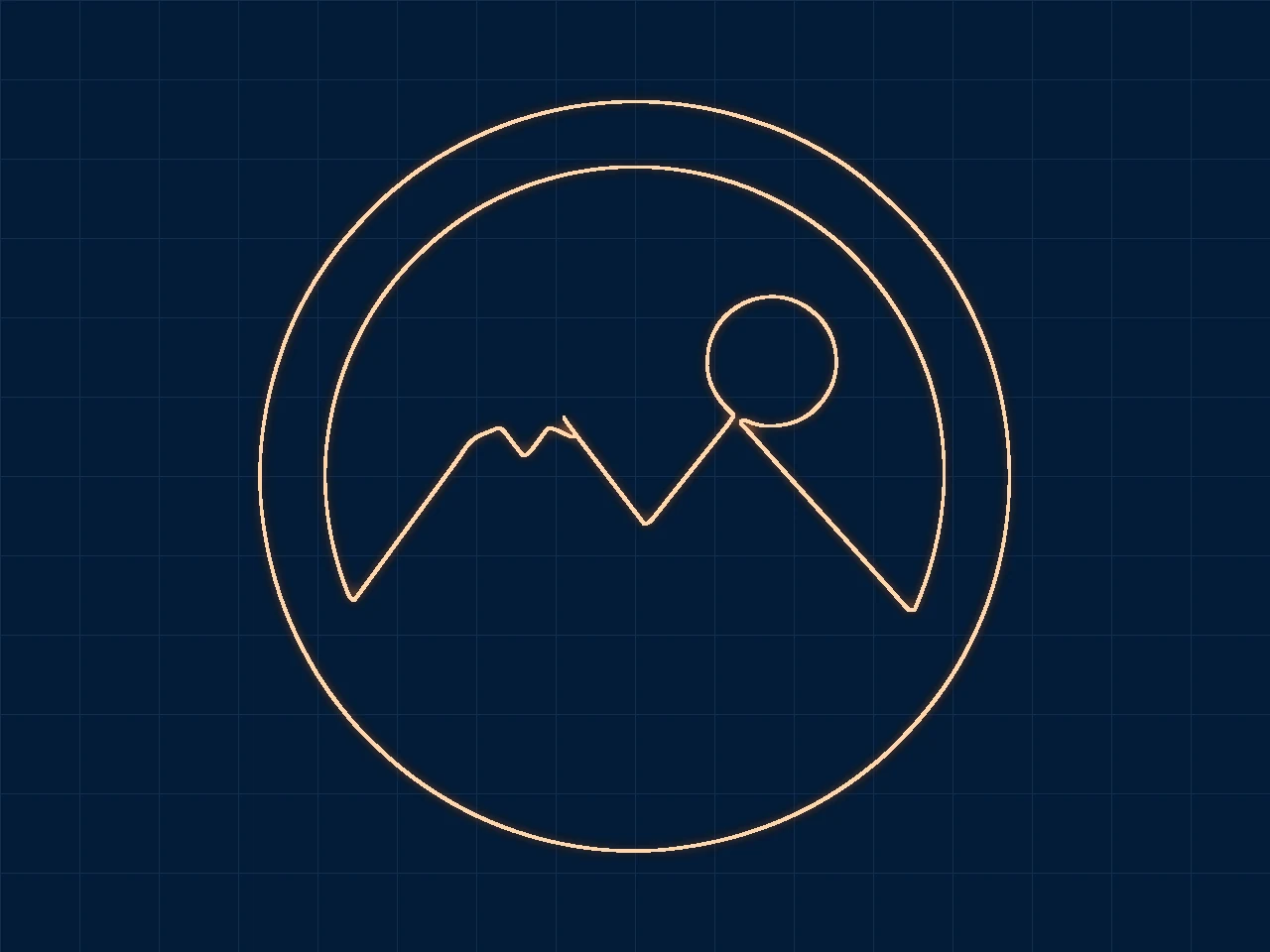

04DXF
A DXF outline for the laser
LightBurn, xTool and CAD programs import the DXF in millimeters. The outline comes from the same tracer as the cut file, so the laser path follows the shapes you see in the preview.
Learn more about A DXF outline for the laser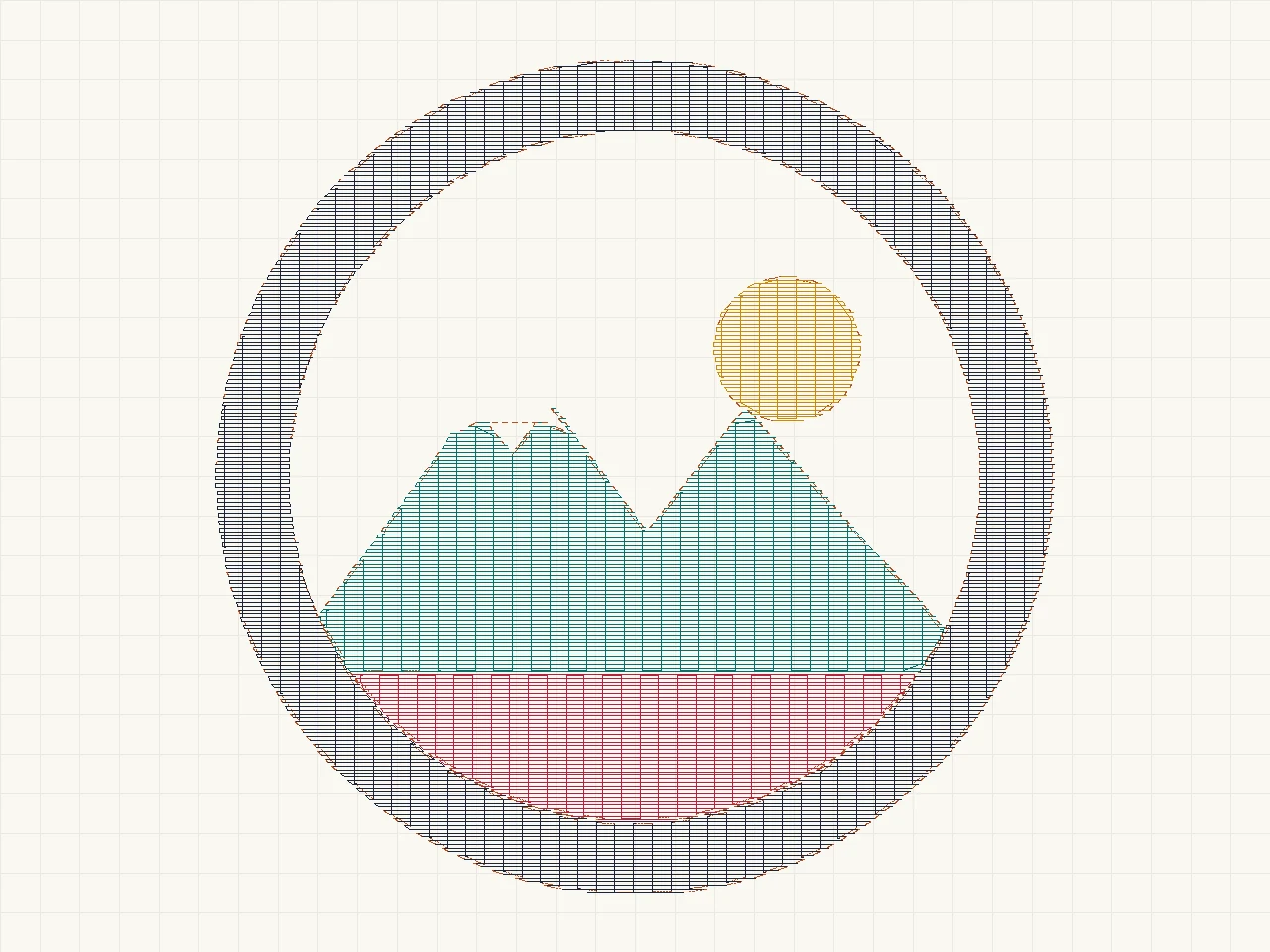

05Stitch to stitch
Any stitch file into JEF, EXP or VP3
Already have a DST? Then convert it to the format your machine reads: JEF for Janome, EXP for Melco and Bernina, VP3 for Husqvarna Viking and Pfaff. Every stitch is kept, jumps included.
Learn more about Any stitch file into JEF, EXP or VP3
Your logo, on the machine today
Upload the artwork, pick the format and the hoop, and download the file in seconds. Three files a day are free.
Fill rows, underlay and clean edges, at the size you sew.
Embroidery file converter tested with a real logo
We ran our own four-color badge through this exact converter. The picture shows the preview it returned. The numbers come from the same run, so you can compare them with your own file. For example, the badge has a ring, a sun, two peaks and a band, like a typical shop logo.

- Test file
- PNG, 800 x 800 px, four colors on white
- Output
- DST
- Finished size
- 90 x 90 mm
- Hoop it fits
- 4 x 4 in
- Stitches
- 6,823
- Thread colors
- 4
- Trims
- 24
- File size
- 22 KB
- Processing time
- 0.4 s
How we test: we check every page with the same badge, then we read each output back with pyembroidery or open it as a vector. More on the about page.
Pick the right embroidery file converter
Each page below explains one conversion in detail, so start with the format your customer sent you.
Formats our embroidery file converter writes
The table shows which machines and programs read each output, so you can match the file to your equipment.
| Format | Full name | Read by |
|---|---|---|
| DST | Tajima DST stitch file | Tajima and most commercial multi-needle machines (Ricoma, SWF, Happy and others) |
| PES | Brother PES embroidery file | Brother and Baby Lock home and multi-needle machines |
| JEF | Janome JEF embroidery file | Janome, plus Elna and some Kenmore models built on Janome hardware |
| EXP | Melco Expanded stitch file | Melco commercial machines and Bernina home machines |
| VP3 | Husqvarna Viking / Pfaff VP3 file | Husqvarna Viking and Pfaff home machines |
| SVG | SVG vector graphic | Cricut Design Space, Silhouette Studio, Glowforge |
| DXF | DXF drawing exchange file | LightBurn, xTool, CAD programs |
Pricing
If files arrive now and then, pay once for a pack. However, if they arrive most weeks, the yearly plan costs less. For example, a pack works out at about $0.28 a file, while the yearly Starter plan costs about $0.16. See the pricing page for details.
Free use gives you the full stitch preview, hoops up to 8x12 and a small text mark on SVGs.
Start free- No watermark
- All hoops up to 8x12
- DST, PES, JEF, EXP, VP3, SVG, DXF
- About $0.16 per file
- No watermark
- All hoops up to 8x12
- Cancel anytime
- No watermark
- All hoops up to 8x12
- Batch uploads
- Priority queue
- Everything in Starter
Comparisons
Not sure an automatic tool is enough? Then read these honest comparisons before you decide.
Embroidery file converter FAQ
What does this embroidery file converter do?
It turns flat artwork into machine files: DST, PES, JEF, EXP and VP3 for embroidery machines, SVG cut files for Cricut and Silhouette, and DXF for lasers. It also converts one stitch format to another.
Is it free?
Yes, three conversions a day are free, and you do not need an account. After that, packs start at $6.99 for 25 files, while the yearly Starter plan costs $49.
How is this different from digitizing software?
Digitizing software gives you full manual control, including satin columns, but it takes time to learn. In contrast, this tool makes a hoop-fitted fill design in seconds, so it suits flat logos and quick samples.
Which embroidery machines can use the files?
Any machine that reads DST, PES, JEF, EXP or VP3 can use them. That includes Tajima-type commercial machines as well as Brother, Baby Lock, Janome, Bernina, Melco, Husqvarna Viking and Pfaff.
Do you keep my files?
No. Our server keeps each file in memory only, and it deletes the file as soon as your browser receives the result.