PNG to DXF converter
To convert PNG to DXF, upload the PNG, choose DXF, enter the finished width in millimeters and download. The converter traces every non-background shape into closed polylines at that exact size, with inner holes kept, so laser software such as LightBurn or xTool Creative Space can cut it directly.
By The Stitchquill team (Machine embroidery and cut-file workflow). Last updated .
PNG, JPG, JPEG, WEBP, GIF, BMP, TIF, TIFF, PDF, SVG up to 25 MB
How to convert PNG to DXF for laser cutting, step by step
- Upload a high-contrast PNG.
- Choose DXF as the output.
- Enter the finished width in millimeters.
- Download and import into your laser or CNC software, then assign cut or engrave layers.
PNG to DXF tested with a real logo
We ran our own four-color badge through this exact converter. The picture shows the preview it returned. The numbers come from the same run, so you can compare them with your own file. For example, the badge has a ring, a sun, two peaks and a band, like a typical shop logo.
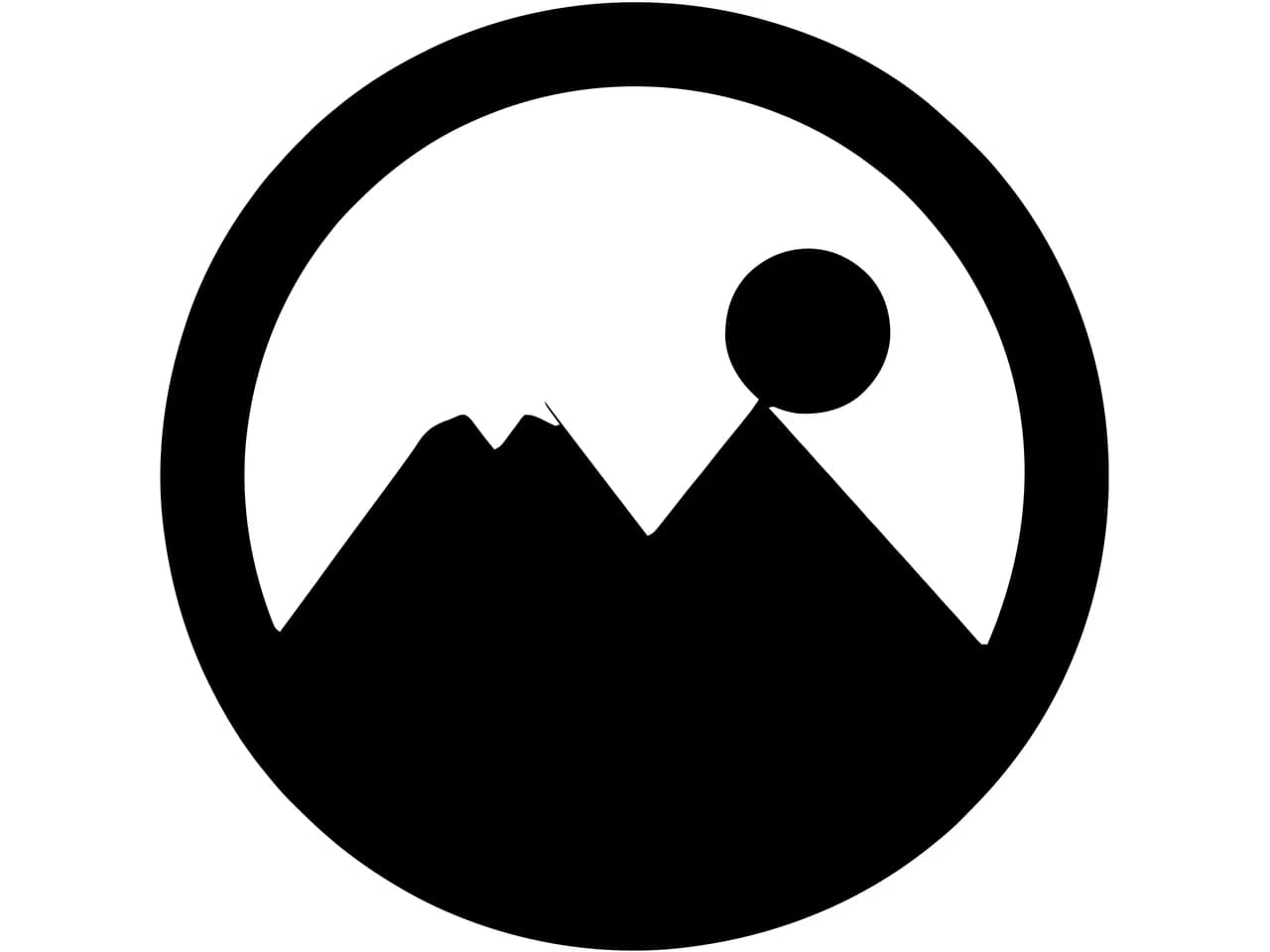
- Test file
- PNG, 800 x 800 px, four colors on white
- Output
- DXF
- Finished size
- 100 x 100 mm
- Cut paths
- 2
- File size
- 23 KB
- Processing time
- 0.8 s
How we test: we check every page with the same badge, then we read each output back with pyembroidery or open it as a vector. More on the about page.
Closed outlines at real size
Laser and CNC software needs closed paths, because it has to know what is inside and what is outside. So the DXF from this page holds only closed polylines, one per outline. That also covers the inner outlines of letters like O and A.
The file uses millimeters as its units. When you enter the width you want to cut, the converter scales the drawing to it. As a result, there is no guesswork about units on import.
Engraving versus cutting
Everything in the DXF is an outline. For cut parts, that is exactly right. For engraving, however, most laser software can fill the closed outlines, which gives a cleaner result than engraving the pixels of the PNG directly.
If you need an SVG instead, for example for a Glowforge, choose Cut file on the same page.
Kerf, scale and material
A laser beam burns away a small width of material called the kerf. It is usually a fraction of a millimeter, although it depends on the machine and material.
For parts that must fit together, apply a kerf offset in your laser software after import. The DXF itself follows the artwork edge exactly.
Check the scale on import. Most programs read the millimeter units from the file, but some ask. Either way, the width you entered here is the width the part should measure.
Very small holes and thin bridges burn away easily in wood and acrylic. Enlarge them in the PNG, or choose a larger width, before you cut.
Finally, run a test cut on scrap. Laser power and speed depend on the machine and material, so one test tells you more than any setting chart.
PNG and DXF compared
| Format | Full name | Used by | Stores colors | What is inside |
|---|---|---|---|---|
| PNG | PNG image | Any design or cutting software | Yes, as fill colors | A lossless pixel image that can carry transparency, which makes it the easiest source for clean edges. |
| DXF | DXF drawing exchange file | Any design or cutting software | Yes, as fill colors | The CAD format lasers, CNC routers and plasma cutters read. We write closed polylines in millimeters. |
PNG to DXF FAQ
What units does the PNG to DXF file use?
Millimeters, scaled to the width you enter (100 mm by default).
Does it keep holes inside letters?
Yes. Each inner outline becomes its own closed polyline.
Which programs open it?
LightBurn, xTool Creative Space, Fusion 360, Inkscape, LibreCAD and most other CAD programs.
Can I get curves instead of polylines?
The outlines are dense polylines that follow curves closely. If you need true curves, though, choose SVG output.