Free SVG converter for Cricut
This free SVG converter for Cricut turns PNG, JPG, WEBP, GIF, BMP, TIFF and PDF files into SVG cut files. Upload the image, choose a single cut layer or a layered color SVG, set the width in inches and download. Three conversions a day are free, with no account needed.
By The Stitchquill team (Machine embroidery and cut-file workflow). Last updated .
PNG, JPG, JPEG, WEBP, GIF, BMP, TIF, TIFF, PDF, SVG up to 25 MB
How to convert an image to SVG for Cricut, step by step
- Upload any image or PDF.
- Pick Cut file, Color SVG or DXF.
- Then set the finished width in inches.
- Download the file and import it into Cricut Design Space or Silhouette Studio.
Free SVG converter for Cricut tested with a real logo
We ran our own four-color badge through this exact converter. The picture shows the preview it returned. The numbers come from the same run, so you can compare them with your own file. For example, the badge has a ring, a sun, two peaks and a band, like a typical shop logo.
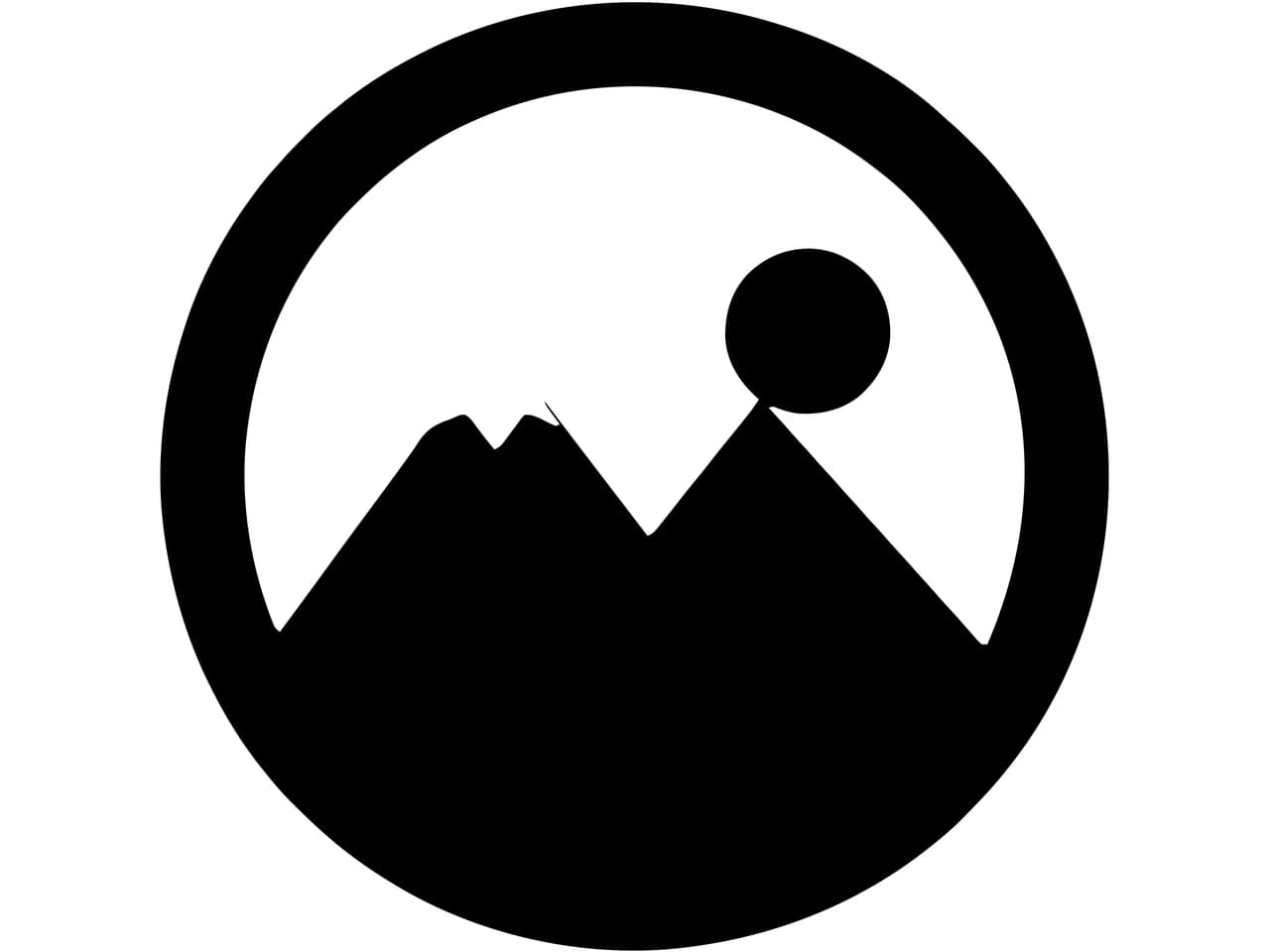
- Test file
- PNG, 800 x 800 px, four colors on white
- Output
- SVG
- Cut paths
- 1
- File size
- 6 KB
- Processing time
- 0.2 s
How we test: we check every page with the same badge, then we read each output back with pyembroidery or open it as a vector. More on the about page.
What the free SVG converter for Cricut includes
You get three full conversions a day, and they use the same VTracer engine that paid users get. Free SVGs also carry a small light gray text mark along the bottom edge.
The mark is a separate element, so you can delete it in Design Space with one click. Paid packs and plans, on the other hand, drop the mark and raise the limit.
There is no signup and no email request for the free tier. Instead, your browser keeps the daily count. Your files stay in memory only while they convert, and the converter never stores them.
Layered SVGs for vinyl and paper
Choose Color SVG to get one layer per color. The converter cuts the layers out of each other rather than stacking them. As a result, each color is a separate piece of material with no hidden overlap underneath, which saves vinyl and helps paper layers line up.
For a single-color decal, Cut file is simpler because it gives you one black layer with the background removed.
Getting the best trace from a free conversion
Start from the largest, cleanest version of the image. Crop tightly and remove busy backgrounds. Also make sure the parts you want to cut stand out clearly from the background, since those three steps matter more than any setting.
If the preview shows too many tiny pieces, choose fewer colors or switch to Cut file. When thin parts disappear, the image is too small for the width you chose.
Each conversion counts once, so check the preview before you convert again with new settings.
Hand drawings photographed on paper work well when the light is even. Shoot from directly above and fill the frame with the drawing. Also keep shadows from your phone or hand off the page.
Image and SVG compared
| Format | Full name | Used by | Stores colors | What is inside |
|---|---|---|---|---|
| Image | Any image (PNG, JPG, WEBP, GIF, BMP, TIFF, PDF, SVG) | Any design or cutting software | Yes, as fill colors | Whatever the customer sent. Every common image type goes through the same trace. |
| SVG | SVG vector graphic | Any design or cutting software | Yes, as fill colors | Shapes stored as paths rather than pixels, so they scale to any size. Cricut Design Space and Silhouette Studio import it directly. |
Free SVG converter for Cricut FAQ
Is this free SVG converter for Cricut really free?
Yes, three conversions per day cost nothing. Beyond that, packs start at $6.99 for 25 conversions that never expire.
Do I need an account for the free SVG converter for Cricut?
No, not for the free tier.
Does it work on a phone?
Yes. Upload from your camera roll, then download the SVG and open it in the Design Space app.
Can I sell products made with these SVGs?
Yes, as long as you own the rights to the original artwork. The converter adds no license terms of its own.