Convert PNG to SVG for Cricut
To convert PNG to SVG for Cricut, upload the PNG, keep "Cut file" selected, type the finished width in inches and download the SVG. You get one closed black layer with the background removed, which Cricut Design Space imports as a single cuttable shape at the size you chose.
By The Stitchquill team (Machine embroidery and cut-file workflow). Last updated .
PNG, JPG, JPEG, WEBP, GIF, BMP, TIF, TIFF, PDF, SVG up to 25 MB
How to convert PNG to SVG for Cricut, step by step
- First, upload the PNG, ideally one with a transparent background.
- Keep the output on Cut file (single layer) for vinyl, or switch to Color SVG for layered designs.
- Then enter the finished width in inches.
- Download the SVG. After that, open Design Space, choose Upload, Upload Image and select the file.
- Finally, check that the design shows as a cut image, and attach or weld pieces as needed.
PNG to SVG for Cricut tested with a real logo
We ran our own four-color badge through this exact converter. The picture shows the preview it returned. The numbers come from the same run, so you can compare them with your own file. For example, the badge has a ring, a sun, two peaks and a band, like a typical shop logo.
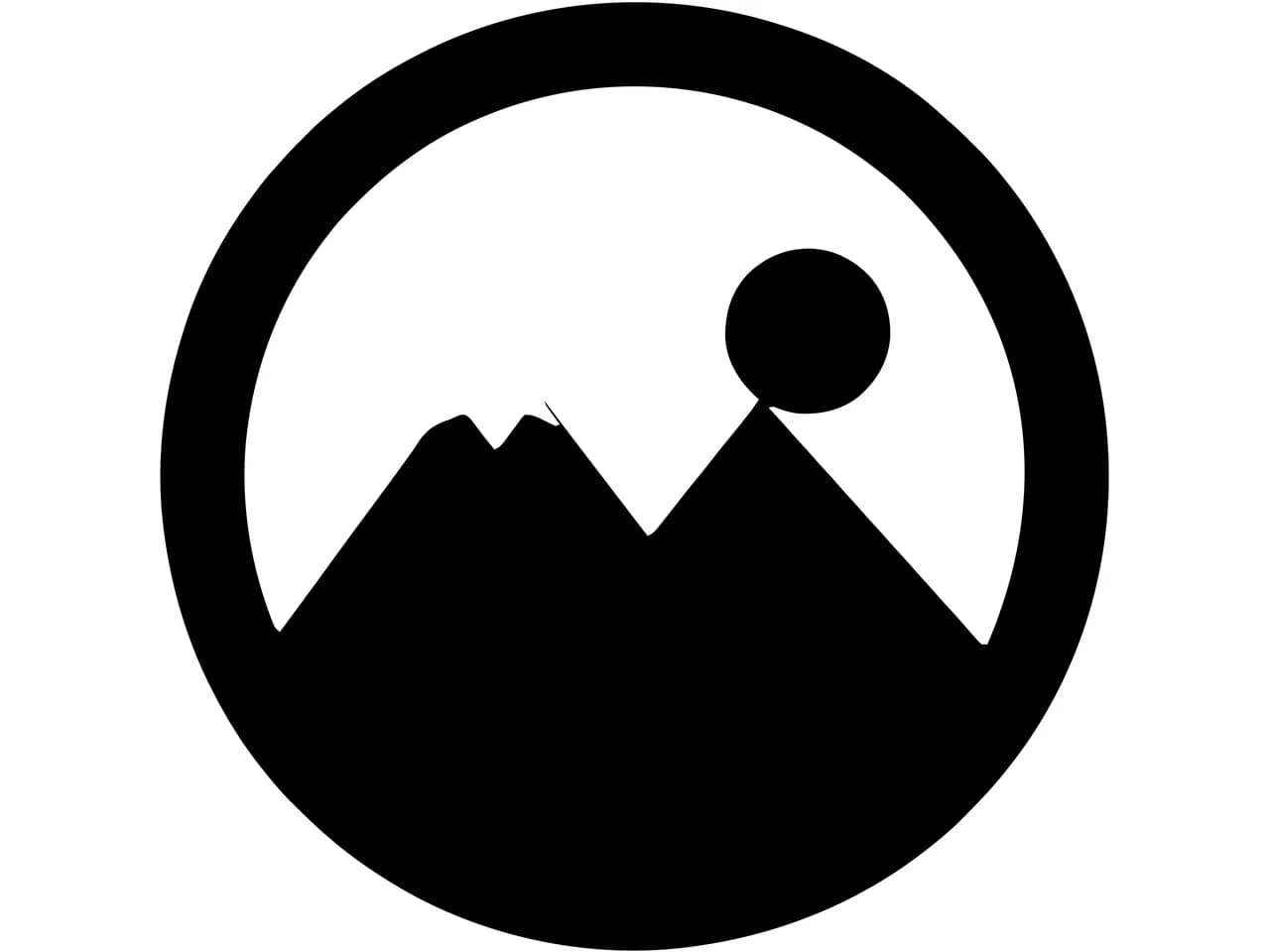
- Test file
- PNG, 800 x 800 px, four colors on white
- Output
- SVG
- Cut paths
- 1
- File size
- 6 KB
- Processing time
- 0.2 s
How we test: we check every page with the same badge, then we read each output back with pyembroidery or open it as a vector. More on the about page.
Why a PNG upload in Design Space is not enough
Design Space can open a PNG directly. However, it has to guess which parts to cut, and it treats the result as a flat picture.
An SVG instead hands Design Space closed vector paths. As a result, you can weld, slice, offset and resize them while the edges stay crisp.
Before tracing, the converter adds a clear 2-pixel frame around the PNG. That way, shapes that touch the edge still come out closed, so the blade follows the whole outline.
Sizing a PNG to SVG for Cricut in inches
Design Space often opens an SVG at an odd size because the file only knows pixels. When you type a width, the converter writes real inch sizes into the SVG. So a 4 inch decal opens at 4 inches.
If you leave the width empty, the file keeps its pixel size. You can then scale it in Design Space as usual.
PNG and SVG compared
| Format | Full name | Used by | Stores colors | What is inside |
|---|---|---|---|---|
| PNG | PNG image | Any design or cutting software | Yes, as fill colors | A lossless pixel image that can carry transparency, which makes it the easiest source for clean edges. |
| SVG | SVG vector graphic | Any design or cutting software | Yes, as fill colors | Shapes stored as paths rather than pixels, so they scale to any size. Cricut Design Space and Silhouette Studio import it directly. |
PNG to SVG for Cricut FAQ
Is this PNG to SVG converter free for Cricut?
Yes, for three conversions a day. Free SVGs also carry a small text mark along the bottom edge. You can delete it in Design Space, while paid plans leave it out.
What is the difference between Cut file and Color SVG?
Cut file makes one black layer from everything that is not background, so it suits single-color vinyl. Color SVG, by contrast, keeps each color as its own layer for layered vinyl or print then cut.
Will it work with Silhouette Studio?
Yes. Silhouette Studio opens SVG in the Designer Edition and above. The basic edition only opens DXF, so this page offers that format too.
Why does my cut file have too many tiny pieces?
The PNG probably has noise or a textured background. In that case, use a cleaner source or remove the background before you convert.